 AI Chat Tools
A prompt library that lives in the message box
Save the prompts you reuse, fill in variables, and insert them by typing // in any chat.
Coming soon to the Chrome Web Store
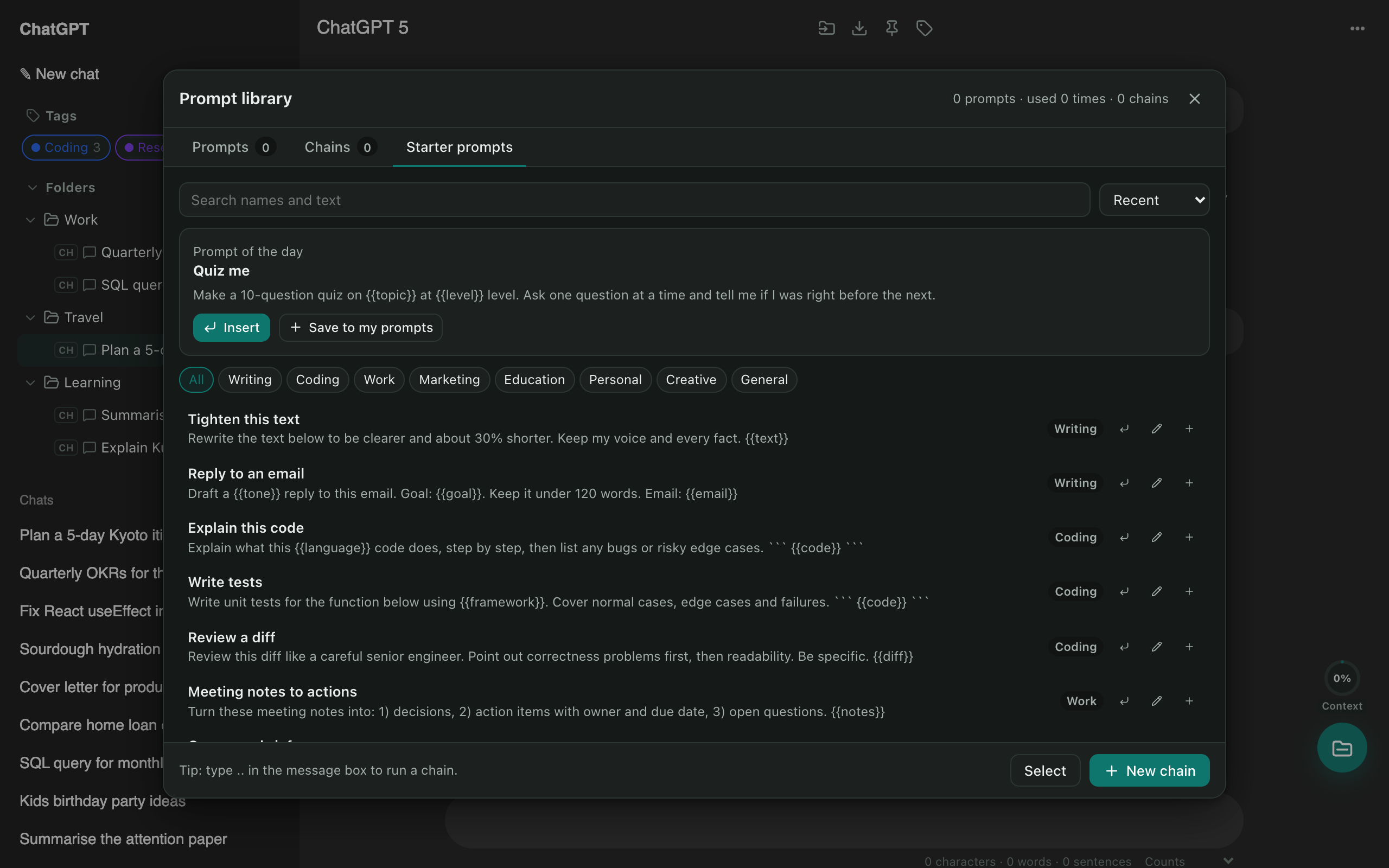
Type // to insert
Start typing // in ChatGPT’s message box and pick a saved prompt. Any {{variables}} are filled in before it’s inserted.
Chains for multi-step work
Build a chain of steps (research → outline → draft, for example) and run it with ... Each step waits for the previous reply.
Mention past chats with @@
Type @@ to pull an earlier conversation in as context, from any site.
Questions
What are prompt chains?
A chain sends several prompts one after another, waiting for each reply before sending the next. Type .. in the message box to run one.
Can I use variables?
Yes. Write {{name}} in a prompt and you'll be asked for the value when you insert it.
More tools
ChatGPT exporter
One click saves the chat you're reading. Or select dozens of chats and download them all as a ZIP, organised by folder.
Bulk delete chats
Clear out old chats in seconds. Tick the ones you want gone, or select all, then delete or archive them together.
ChatGPT to Claude
Carry a conversation to another assistant without starting over. The context is condensed on your device and placed in the new chat for you.